
Meet the Brand Kit
Every SportStudio template ships with a demo look, so you can see the motion before you commit to it. That part is on purpose. The side effect was a chore at the start of every project: type the school name, paste the hex codes, find the logo file. Then do it all again on the next template.
The Brand Kit ends that. You set up your school once, and every template you open pulls it in.
What goes in it
Your Brand Kit holds three kinds of defaults.
School details. Your school name, abbreviation, mascot, city and state. Templates use these to fill in text for you, so a player intro already names the right school and a hype video already has the right mascot.
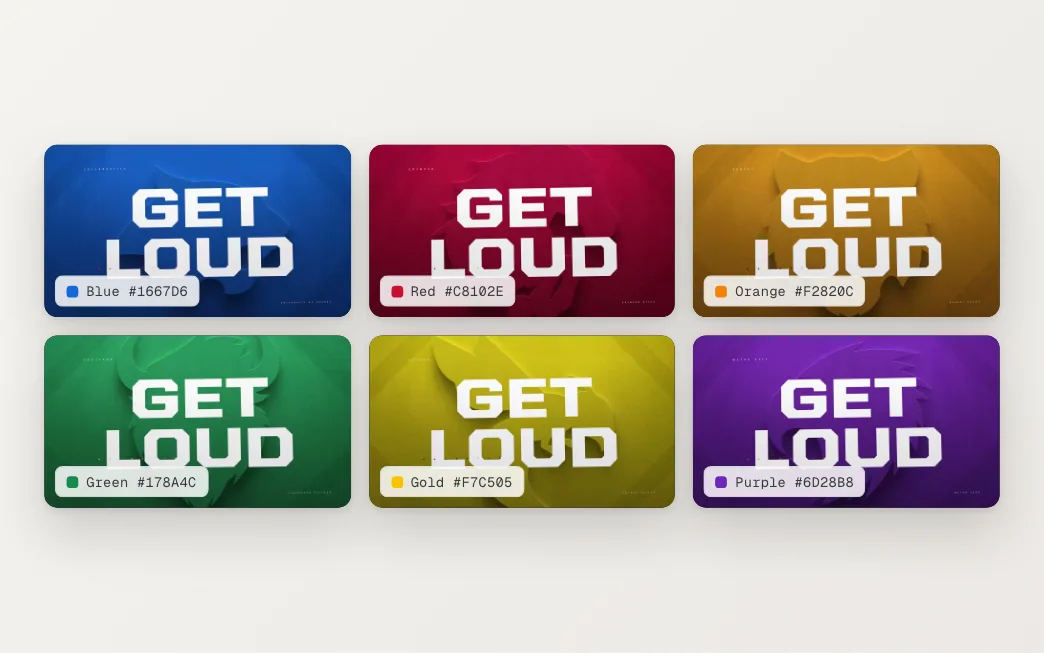
Colors. Your team colors, at least a primary and a secondary. Templates pick them up anywhere they call for a team color.
Logos. Upload a vector logo, or a PNG with a transparent background (not white or black). We check the transparency on upload, because a logo sitting on a white box looks wrong on a dark board. We also build an outline version of your logo, with a threshold slider so you can decide how much detail it keeps.
Open a template, and it’s already yours
When you open a template, SportStudio reads your Brand Kit and fills the matching fields before you touch anything. Your logos land in the logo slots. Your colors replace the demo colors. Your school name and mascot go where the text calls for them.
The sidebar marks the fields that came from your Brand Kit, so you can see at a glance what’s inherited and what you’ve changed. Change something by hand and it stays changed. The Brand Kit is a starting point, not a lock.
One kit for the whole department
Everyone on your account shares one Brand Kit. The video coordinator, the marketing lead and the student running the board on Friday night all start from the same colors and the same logo file. Nobody grabs an old logo out of a downloads folder by mistake.
It also gives you one place to fix things. Update a color in the Brand Kit, and fields still using the old color pick up the new one.
Behind the scenes
Storing colors was the easy part. Mapping them was harder. A matchup, a player intro and a logo loop don’t share the same layout, so each template’s fields are named when we build it in After Effects, and SportStudio matches your Brand Kit to those names. That’s why one kit can fill very different templates without you pointing anything anywhere.
Logo files were the other surprise. Plenty of school logos live as a JPEG on a white background, or a PNG with a stray white edge. If yours gives you trouble, reach out. We’ve prepped a lot of logos and we’re glad to help.
Custom fonts have since joined the Brand Kit too. The Brand Kit guide walks through setup from start to finish.