
Custom Fonts Are Here
Colors and a logo get you most of the way to on-brand. The font gets you the rest. Many athletic departments have a custom or licensed typeface in their brand guide. Until now, SportStudio templates couldn’t use it.
Now they can. Add your fonts to your Brand Kit once, and they show up on every text field in every template.
Adding a font
Open your Brand Kit, go to Fonts, and drag your files in (or click Add Fonts and browse). We accept TTF, OTF, WOFF and WOFF2, and you can add several at once.
Behind the scenes, we convert anything that isn’t a TTF to TTF on upload. It’s the format our render machines handle best. We keep your original file too.
One detail we learned the hard way: conversion can mangle font names. A font called JAGUAROUTLINE would come out as JAGUAR-OUTLINE, and the render would miss it. So we read the name from your original file before converting, and use that name everywhere.
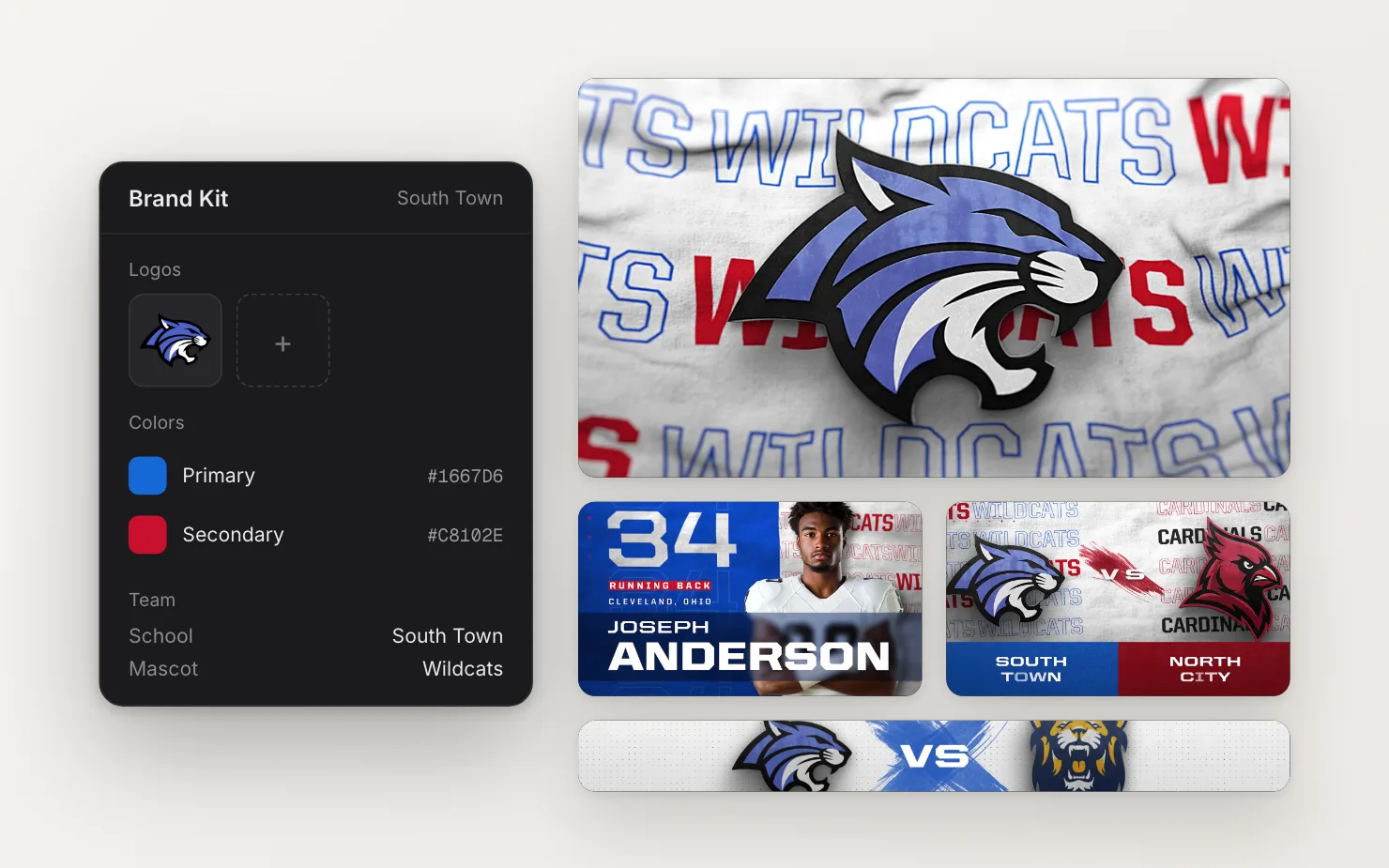
Using it in a template
In the editor, twirl open any text field and you’ll see a font dropdown. Your Brand Kit fonts sit at the top of the list. Pick one and the canvas loads it, so you arrange text in your real typeface, not a stand-in.
Everyone on your account shares one Brand Kit, so your whole team gets the same fonts from a single upload.
What happens at render time
This is where custom fonts tend to go wrong. The preview looks right, then the export comes back in a default font. The machine that rendered it never had yours.
When you render, your template’s fonts travel with the job. Before After Effects starts, each render machine checks for those fonts. If one is missing, the machine downloads and installs it first. The font then stays on the machine, so the check is instant on later renders.
The first render with a new font can take a little longer while a machine picks it up and restarts After Effects. Every render after that runs at normal speed.
If a font gives you trouble
Some font files are unusual, especially older or heavily customized ones. If yours won’t upload or looks wrong, reach out through the support chat and we’ll get it working. We’ve set up a lot of team fonts.
The Brand Kit guide walks through fonts along with colors, logos and school details.