
Your school, in every template
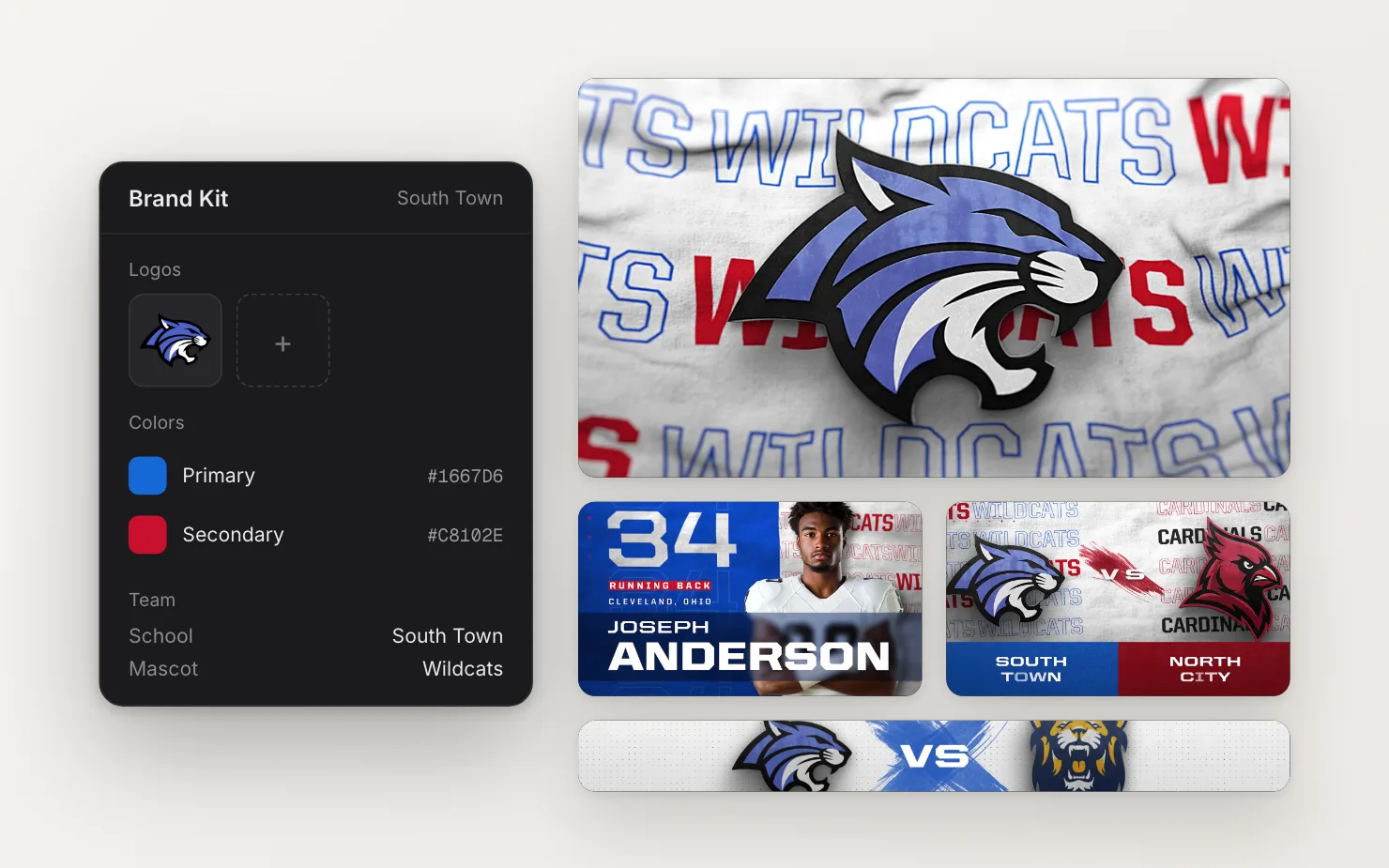
Set up your colors, logos and fonts once. Every template you open already looks like your team.
How it works
Most schools finish setup in a few minutes.
- Step 1
Find your school
Search the team library and pick your school. Your name, mascot, colors and logos fill in.
- Step 2
Make it yours
Adjust your colors, add up to three logos, and upload your program's fonts.
- Step 3
Open any template
Your school is already in it. Change anything by hand and your change sticks.
1,300 college teams, ready to go.
Schools across NCAA Divisions I, II and III and the NAIA are in the library, with logos and colors already prepped. Find yours by name, or filter by division and conference.
- Link your Brand Kit to your school in one click
- Search by name, division or conference
- Not listed? Upload your own logos and colors
Every opponent is one search away.
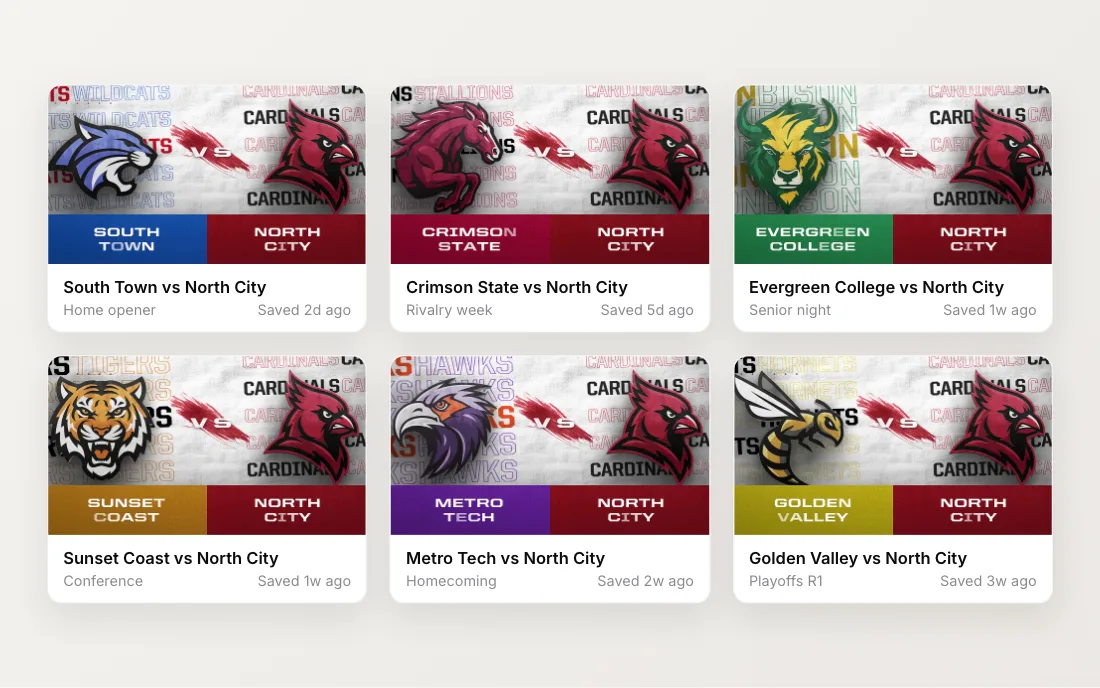
A matchup needs the other team's logo and colors too. Pick the opponent from the same library, and their name, mascot, logo and colors drop into the matchup. Skip the hunt for logo files and the emails to the other school.
- Pick home and away from the same library
- Names, logos and colors fill in for you
- Set up a whole season of matchups in one sitting
Your colors, rendered for real
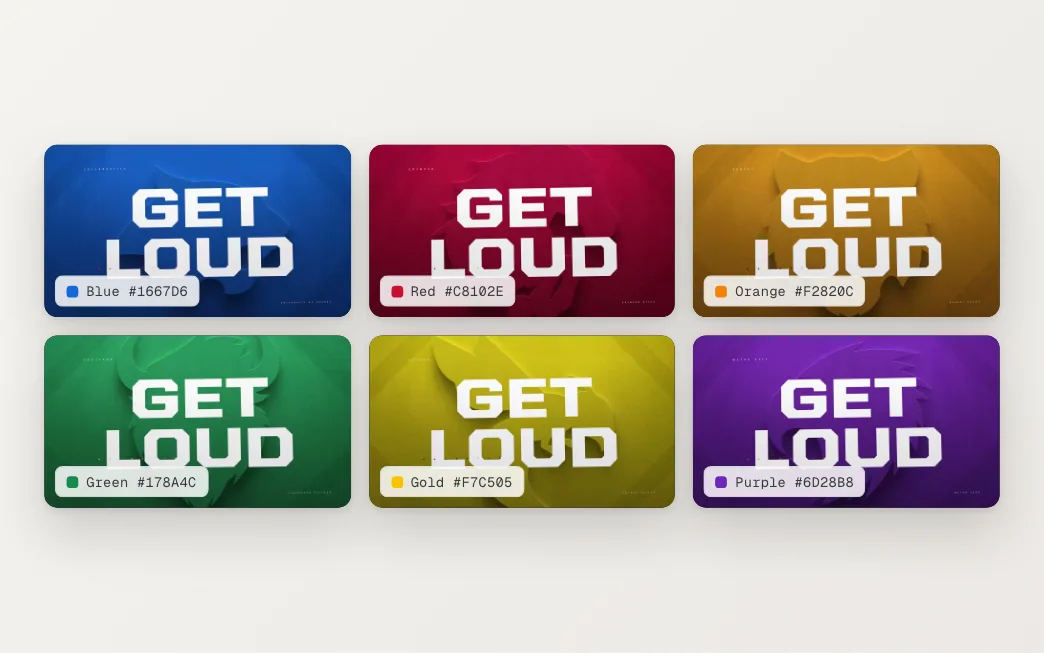
One hype video, rendered for six example schools. Pick a team to switch it. Your Brand Kit does the same for your school.
Example schools and colors. Every clip is a real SportStudio render.
Open this template →More in the Brand Kit
One kit for everyone
Your whole staff shares one Brand Kit, so nobody grabs an old logo from a downloads folder.
Changes carry over
Update a color once. Fields still using the old color pick up the new one.
Custom fonts
Upload your program's fonts and use them in any template.
Logo outlines
We build an outline version of each logo, with a slider for how much detail it keeps.
Frequently asked questions
Can't find your answer? Get in touch.
What if our school isn't in the team library?
Upload your own logos and set your colors. It takes a couple of minutes. The library covers college teams today, so high schools set up this way. If a logo file gives you trouble, reach out and we'll help prep it.
What logo files work best?
A vector logo, or a PNG with a transparent background. We check the transparency when you upload, because a logo on a white box looks wrong on a dark board.
Will the Brand Kit overwrite changes I make in a template?
No. The Brand Kit fills a template when you open it. Change a field by hand and your change stays.
Can everyone on our staff use it?
Yes. One Brand Kit belongs to your whole account, so everyone starts from the same colors, logos and fonts.
Are opponent logos included?
Yes. Matchups use the same team library. Pick the opponent and their logo and colors fill in.
Set up your Brand Kit once.
Every template after that already looks like your school.