
Headshots
How it works
From a roster page to a finished intro for every player.
- Step 1
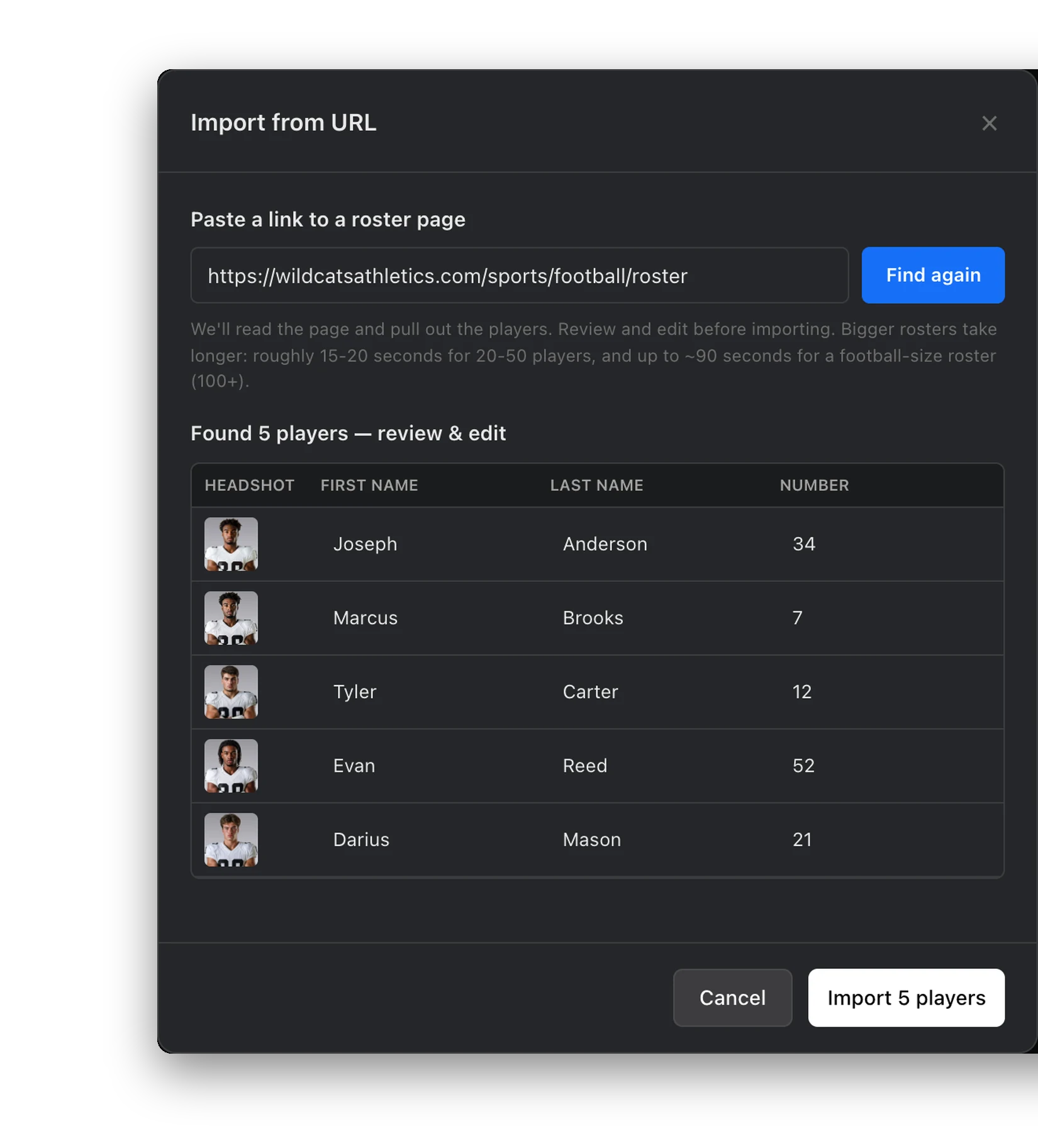
Import your roster
Paste the link to your roster page and SportStudio finds the players on it. Review the list, fix anything, then import. A CSV works too.
- Import from your roster page's link
- Or upload a CSV, with columns matched for you
- Review and edit every row before it's saved
- Step 2
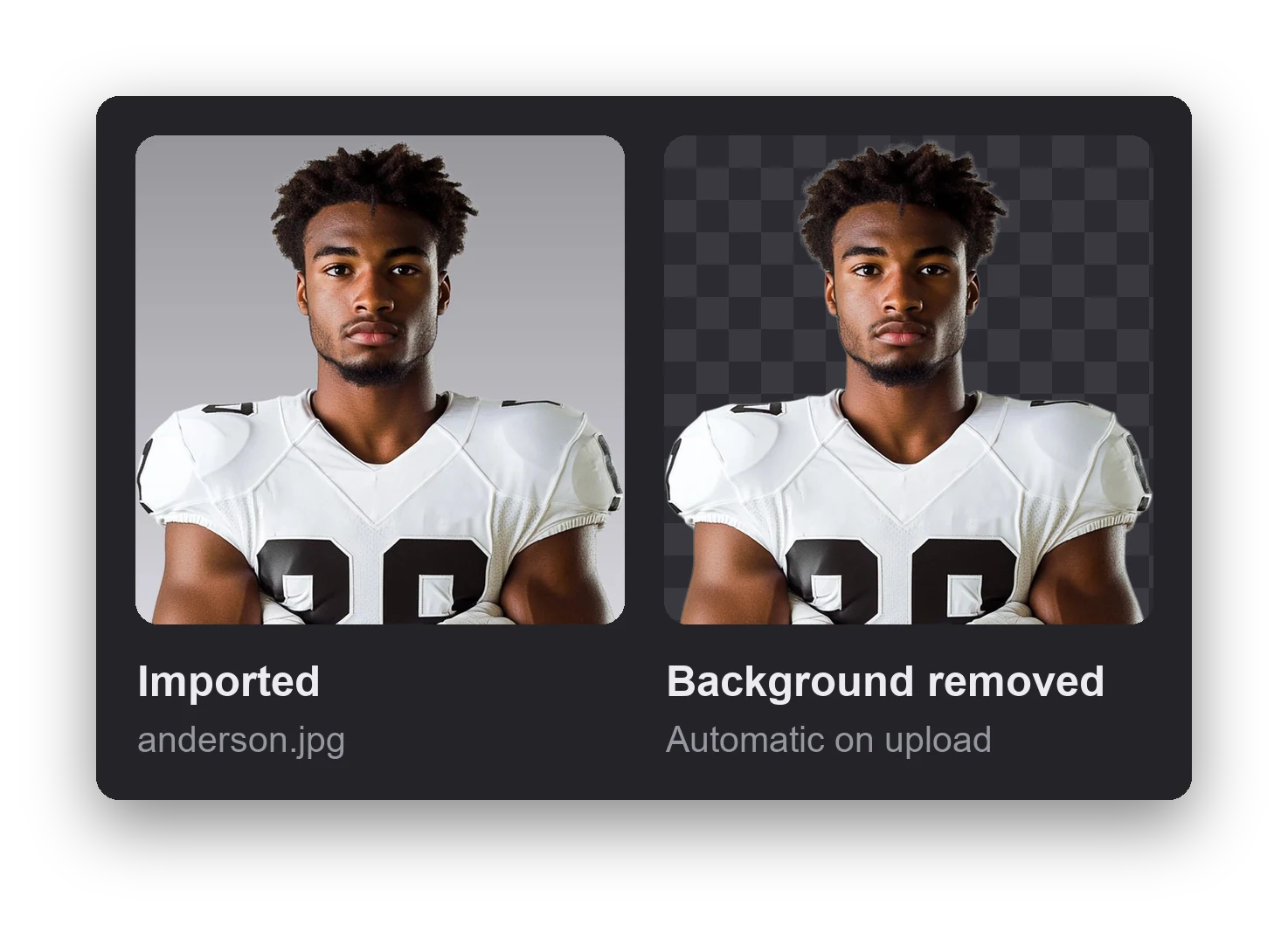
Backgrounds come off automatically
Each photo is cut out as it's imported, so every player is ready to drop into a template. No photo editing, no green screen.
- Cut-outs on a transparent background
- Runs on import, or anytime with Process Headshots
- Upload a single photo and it's cut out the same way
- Step 3
Link it to a template
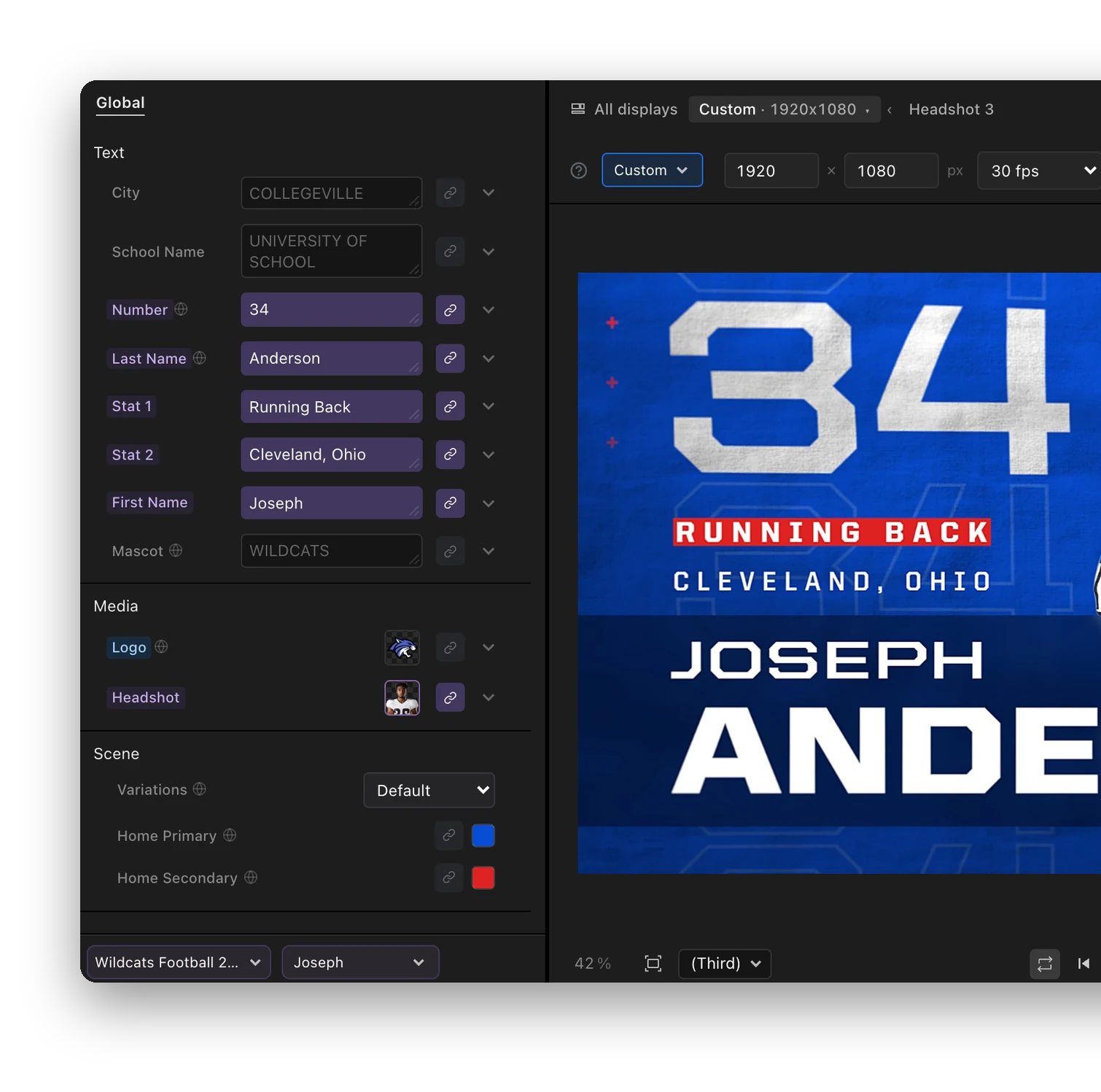
Choose your roster in the editor. Its columns fill the template's fields, from the name and number to the photo. Pick a player to preview them.
- Columns link to fields by name
- Switch players and the preview follows
- Change any linked field by hand when you need to
- Step 4
Export one or the whole roster
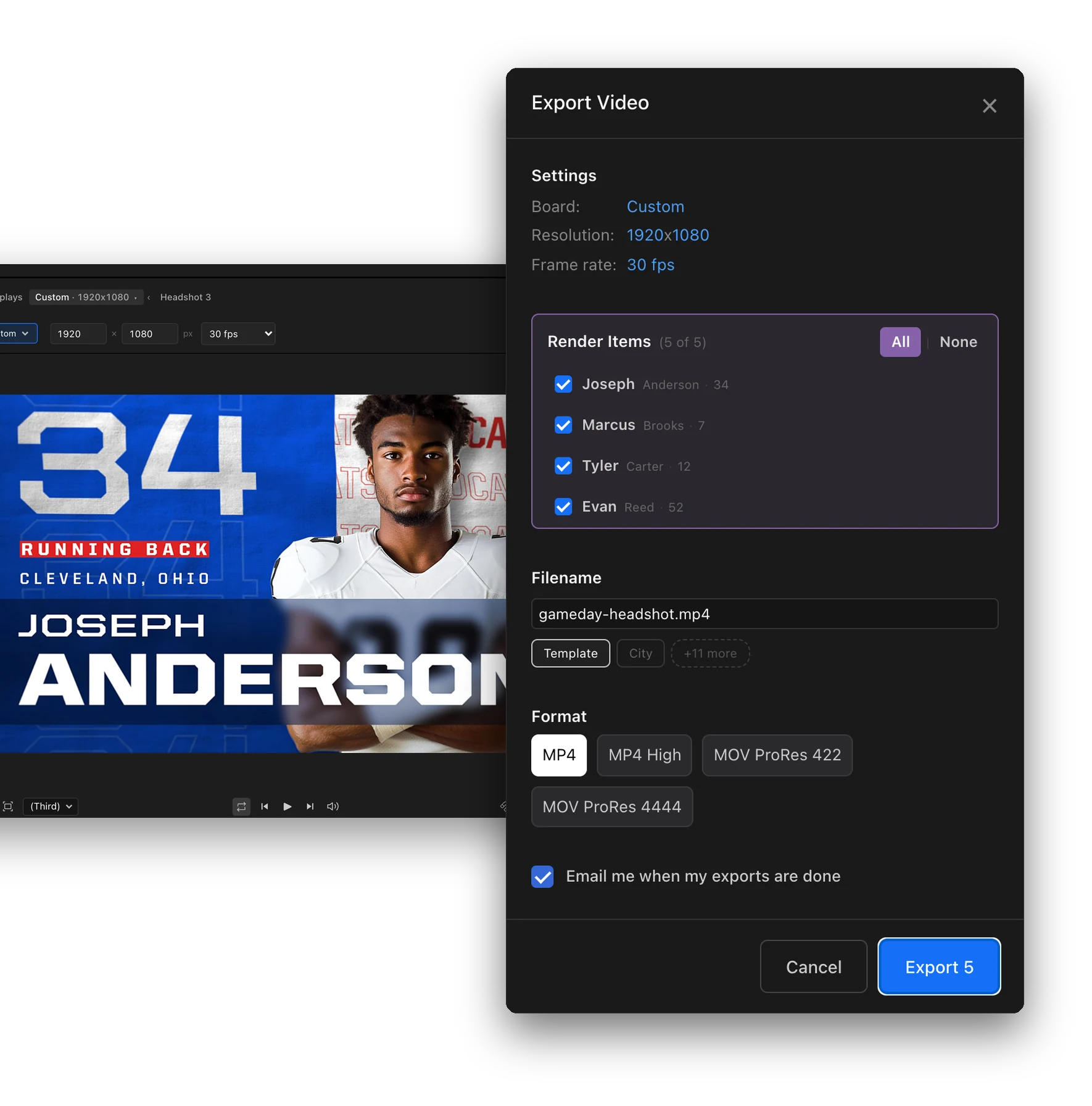
Render the player you're on, or tick every player and render them all at once in the cloud. We'll email you when they're done.
- One player or every player in one export
- MP4, MP4 High, ProRes 422 and ProRes 4444
- An email when your exports are ready
Ready to level up your headshots?
Professional player graphics for every screen, ready in minutes.